
Try on glasses in 30 seconds.
Upload a photo or open your camera. AI reads your face shape and renders a realistic try-on instantly.
Upload Your Selfie
Drag image here or click to upload
Best results tip: Good lighting, face the camera, no glasses or hat.
Upload Photo
Use clear, well-lit photos for best analysis results.
AI Diagnosis
The system will automatically identify your face shape (round, square, oval, etc.).
Virtual Try-On
View the real effects of recommended styles on your face in real-time.
Three steps. No download.
Three quick steps. From a single photo to a realistic try-on in under a minute.
Upload a photo or open your camera
Drag in a clear front-facing shot, or open your camera and snap one.
AI reads your face shape and skin tone
MediaPipe measures facial geometry, AI classifies face shape and skin tone — all in seconds.
Try on, then download or share
AI places recommended frames on your face. Save, share, or revisit from history anytime.
Try-On Showcases
See how AI generates realistic glasses try-on effects.

Original
Original photo

Black Rectangular Frame
Classic Business
Eyewear Guides
Practical guides to face shapes, frame styles, and virtual try-on.
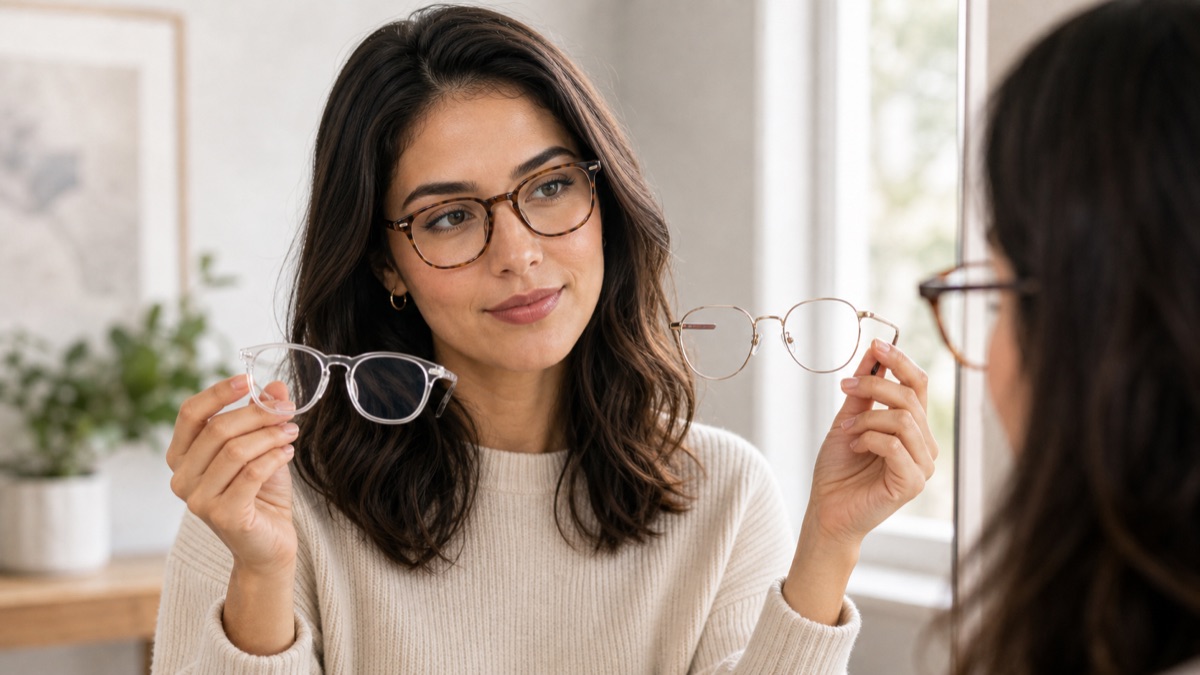
What Glasses Suit My Face?
Find the best frame shapes for round, square, oval, heart, long, and diamond faces.

Best Glasses for Round Face
Choose rectangular, square, browline, and geometric frames that add definition.

Best Glasses for Square Face
Soften strong angles with round, oval, browline, and thinner frame styles.

Virtual Glasses Try On
Try glasses online and compare frame shapes before choosing your next pair.
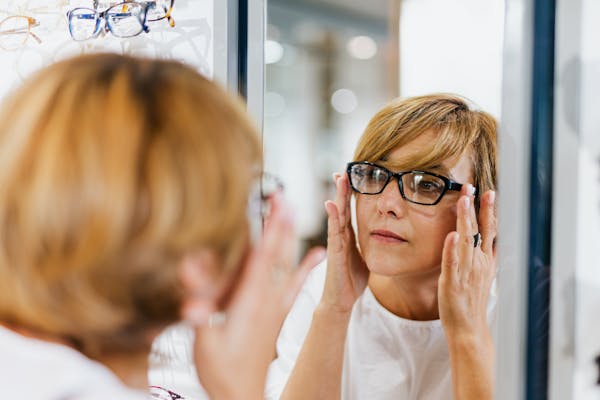
AI Glasses Try On
See how AI glasses try-on analyzes your face and renders realistic frame results.
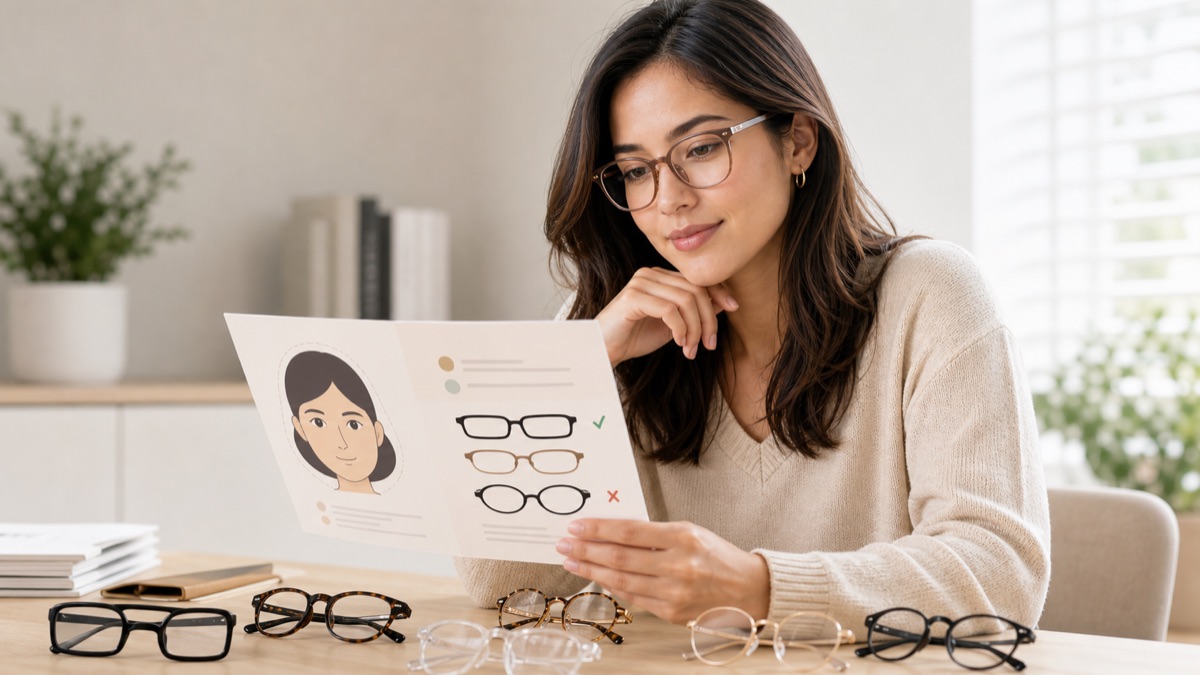
Eyeglasses Face Shape Guide
A practical guide to matching eyeglasses with face shape, bridge fit, and frame width.

Vintage Round Glasses
Find retro round frames that still look wearable, from thin metal to acetate styles.

Minimalist Glasses
Clean frame styles for a simple everyday look, including thin metal and clear frames.
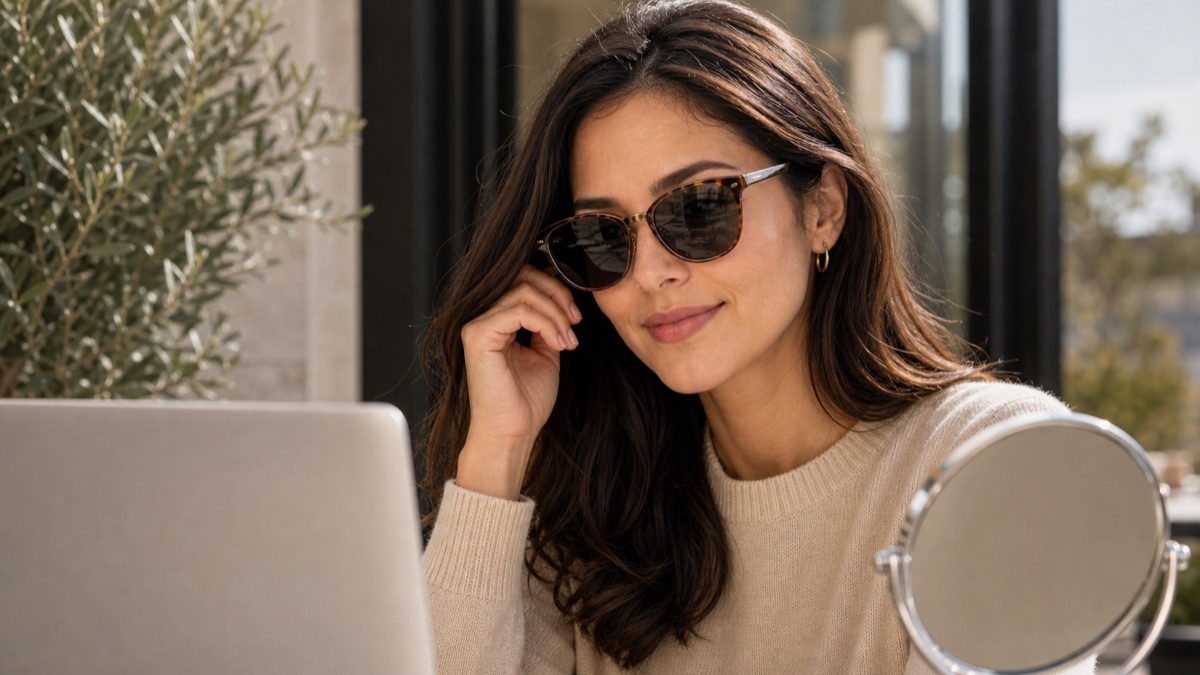
Sunglasses Virtual Try On
Try sunglasses online and choose lens shapes that fit your face and style.
Why TryBestSpecs
We do one thing: help you find the frames that fit your face — in 30 seconds.
Face Shape Recognition
AI classifies round, square, oval and more, then matches frames to both shape and skin tone.
Realistic Lighting
Try-on results carry natural shadows and lens reflections — closer to a real fitting than a flat overlay.
Many Styles
Sunglasses, optical, aviators, vintage, business — compare multiple frames from a single analysis.
History
Every try-on is saved automatically. Revisit, compare, and share with friends for a second opinion.
FAQ
A few things you might want to know before trying it on.
Is it free?+
Basic try-on is free after signup. Upgrade if you want extended history or premium frame styles.
Will my photo be saved?+
Your photo is used only for this session's analysis and try-on generation. We don't use it for training or share it.
Does it work on phones?+
Yes. Upload from your phone's gallery, or open the phone camera to capture in real time.
How accurate is the recommendation?+
AI combines facial geometry with skin tone to recommend frames. Try a few styles side by side to dial it in.
Find the glasses that fit your face — in 30 seconds.
No app. Sign in and start with just one photo.